
Lead Management
Keep new opportunities moving from first enquiry to won work.
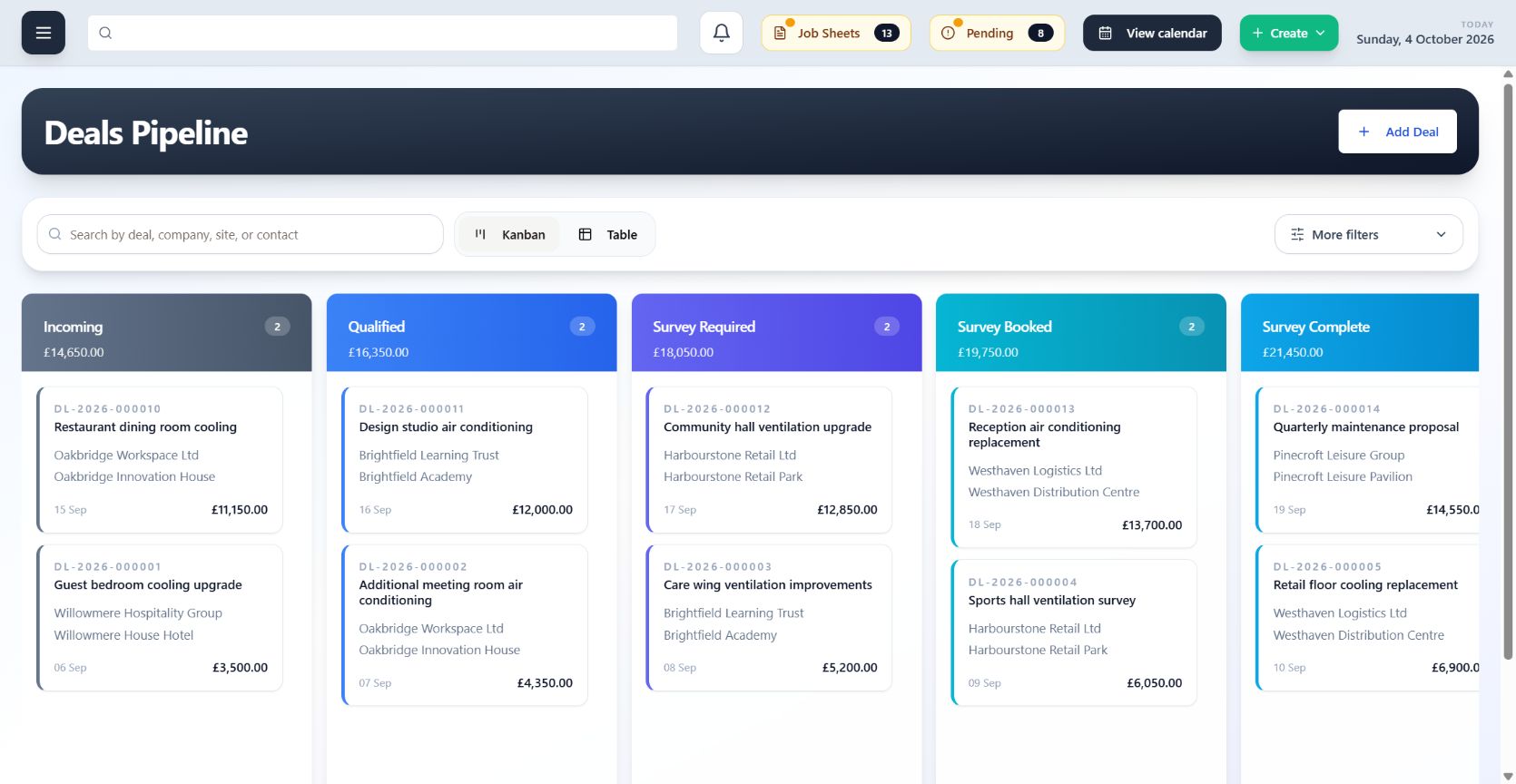
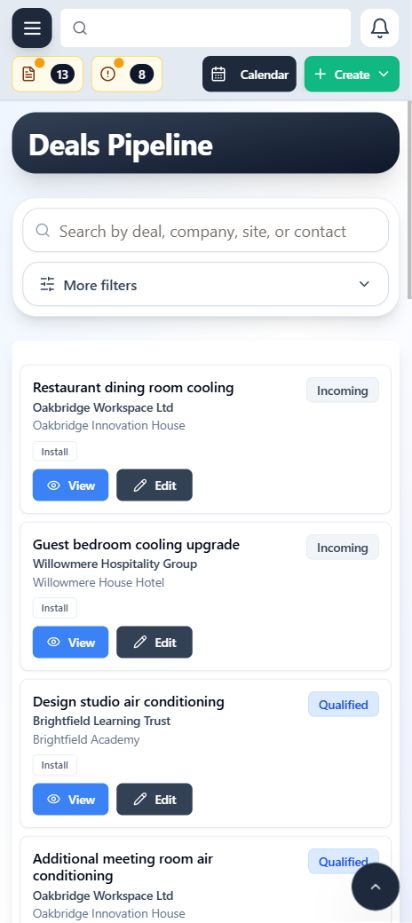
Capture an incoming opportunity, keep its customer, contacts, quotes, notes and activity together, then convert won work into the right delivery workflow without starting the story again.
- Track opportunities through a visible pipeline
- Keep quotes and activity with the lead
- Convert won work into the right operational workflow
Calendar
See visits, engineer commitments and operational context in one shared view.
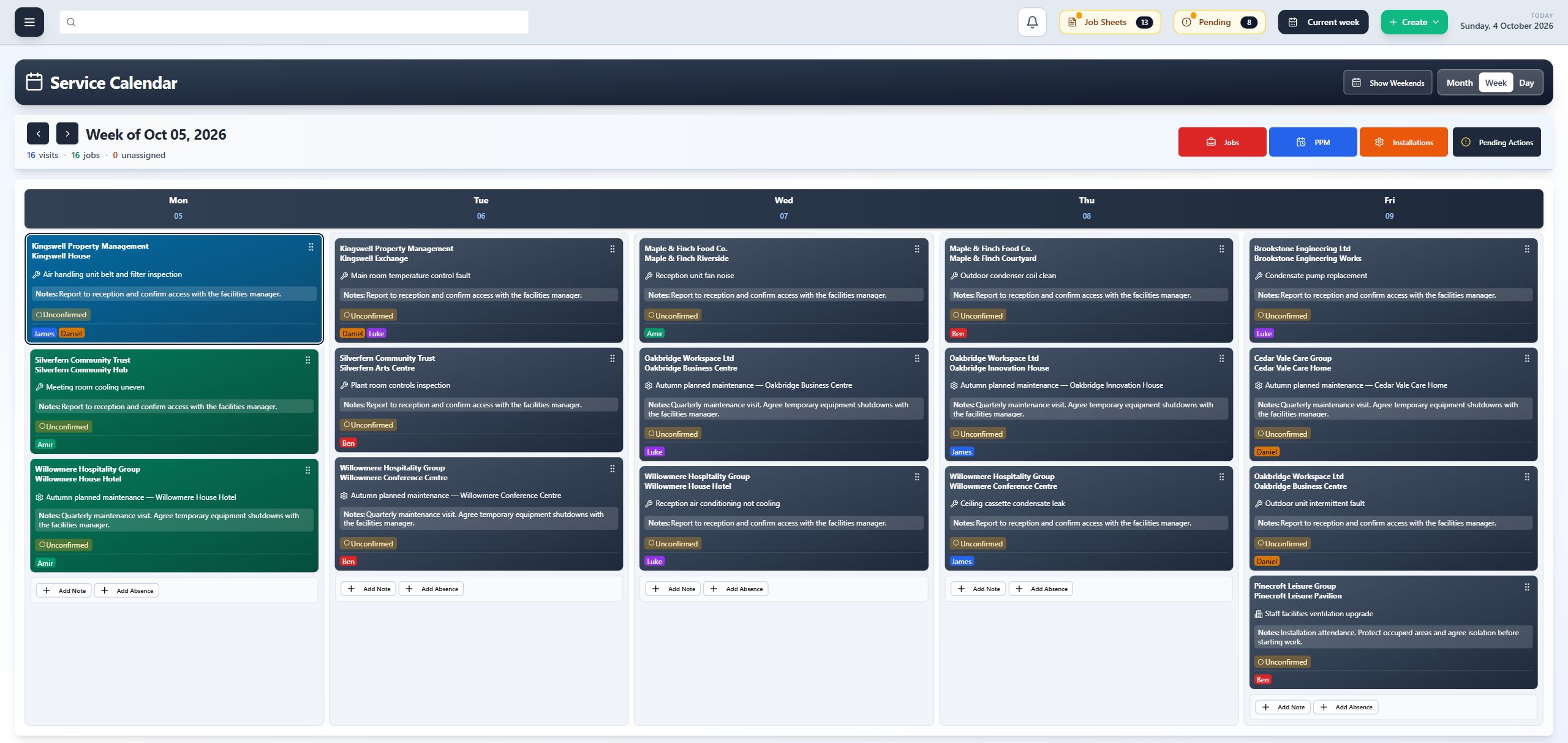
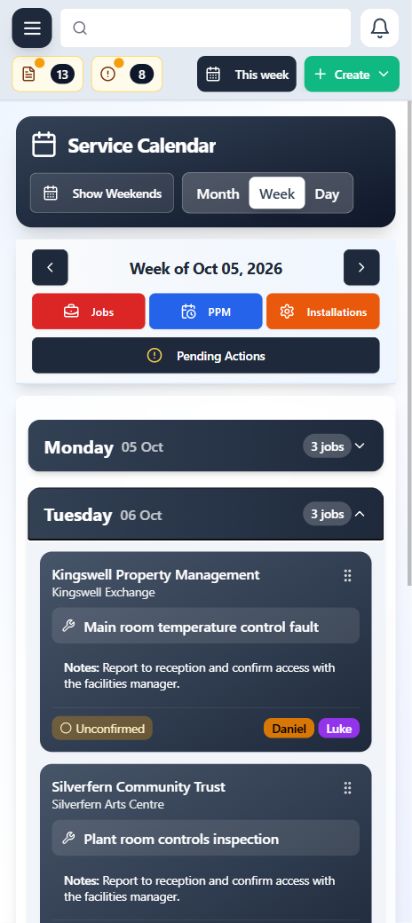
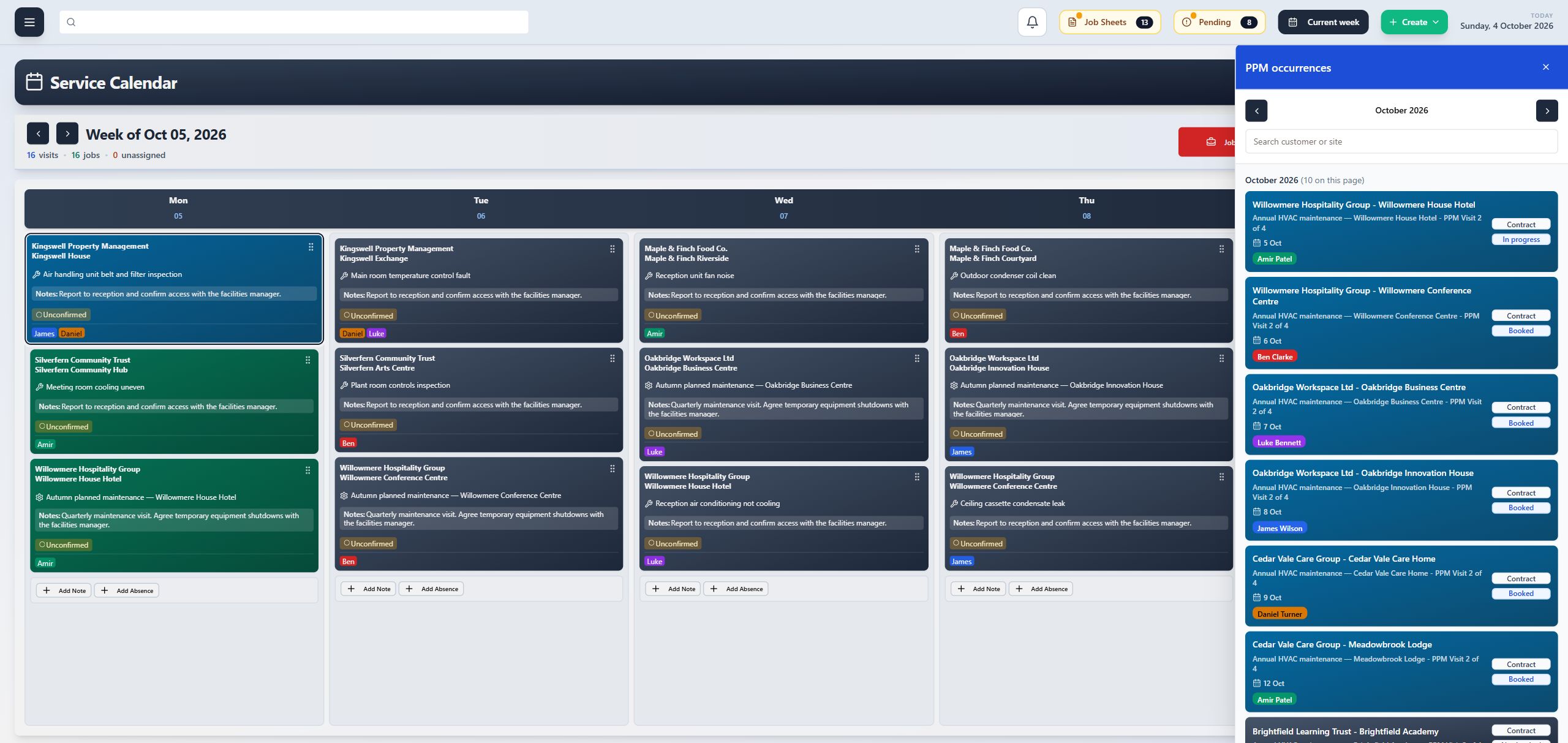
ClimaticFlow brings scheduled work into a calendar designed around the visit. Operations teams can understand what is happening, who is attending and which job or site sits behind each booking.
- Move between the calendar views your team needs
- See engineer assignments and visit status
- Open the connected work without rebuilding the context
Scheduling
Turn work into clear visits and coordinate who goes where and when.
Schedule reactive work, planned maintenance and installation visits while keeping the assignment attached to the work being delivered. Changes remain visible to the wider operation.
- Assign the right engineer to each visit
- Schedule, move and revisit work clearly
- Keep office and field expectations aligned
Tasks
Centralise task lists so responsibilities and next actions stay visible.
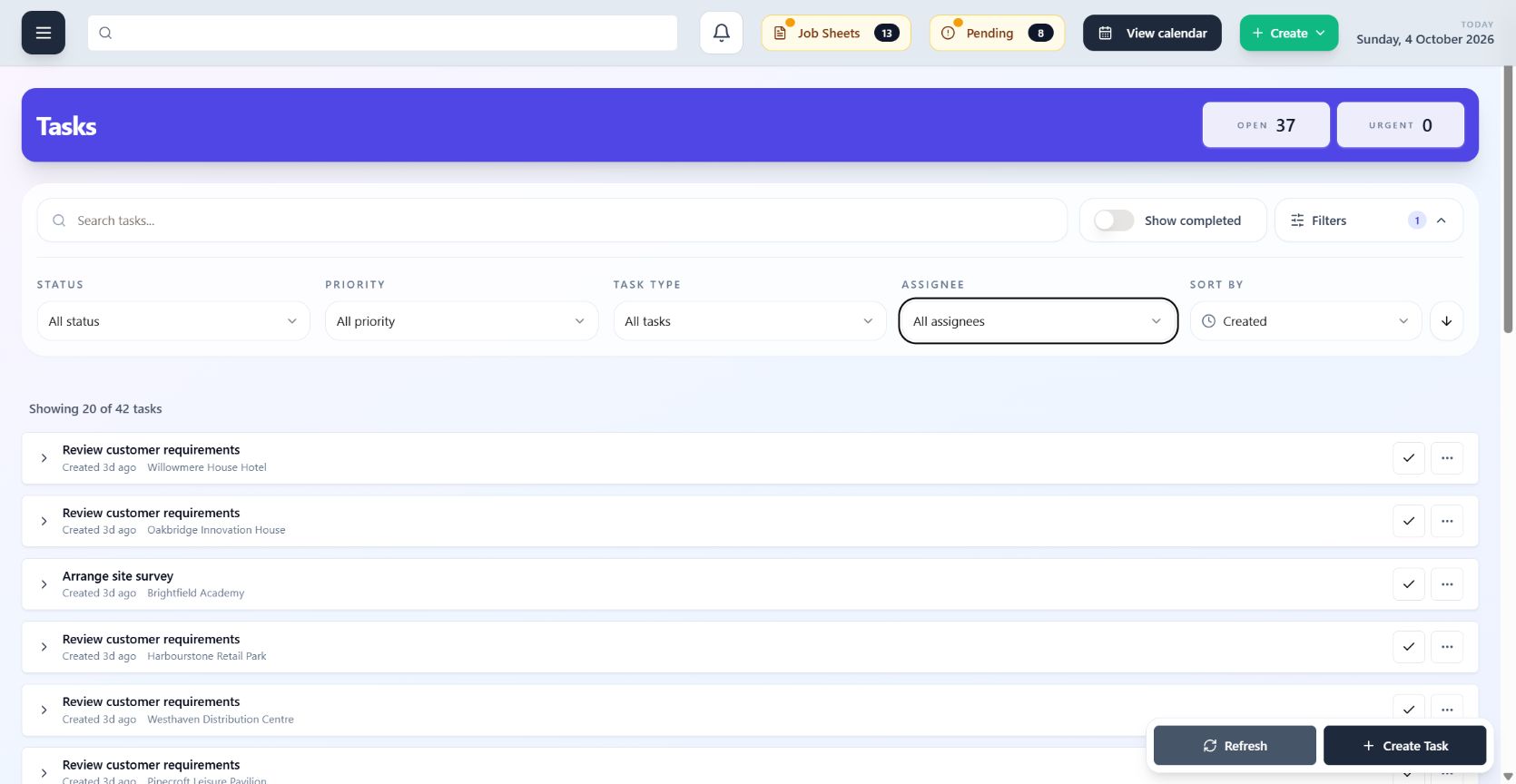
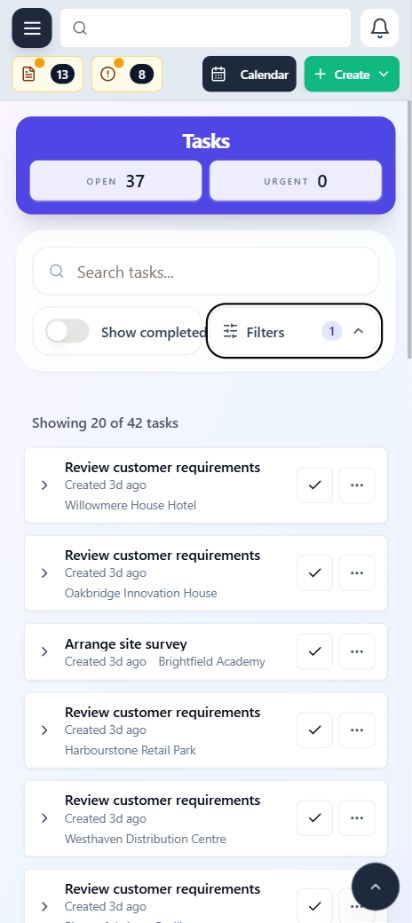
Bring operational tasks into one shared place, assign clear ownership and keep due work visible. Teams can see what needs doing, who is accountable and whether it has been completed without relying on separate personal lists.
- Bring operational tasks into one shared list
- Assign clear ownership and due dates
- Keep follow-up work connected to its wider context
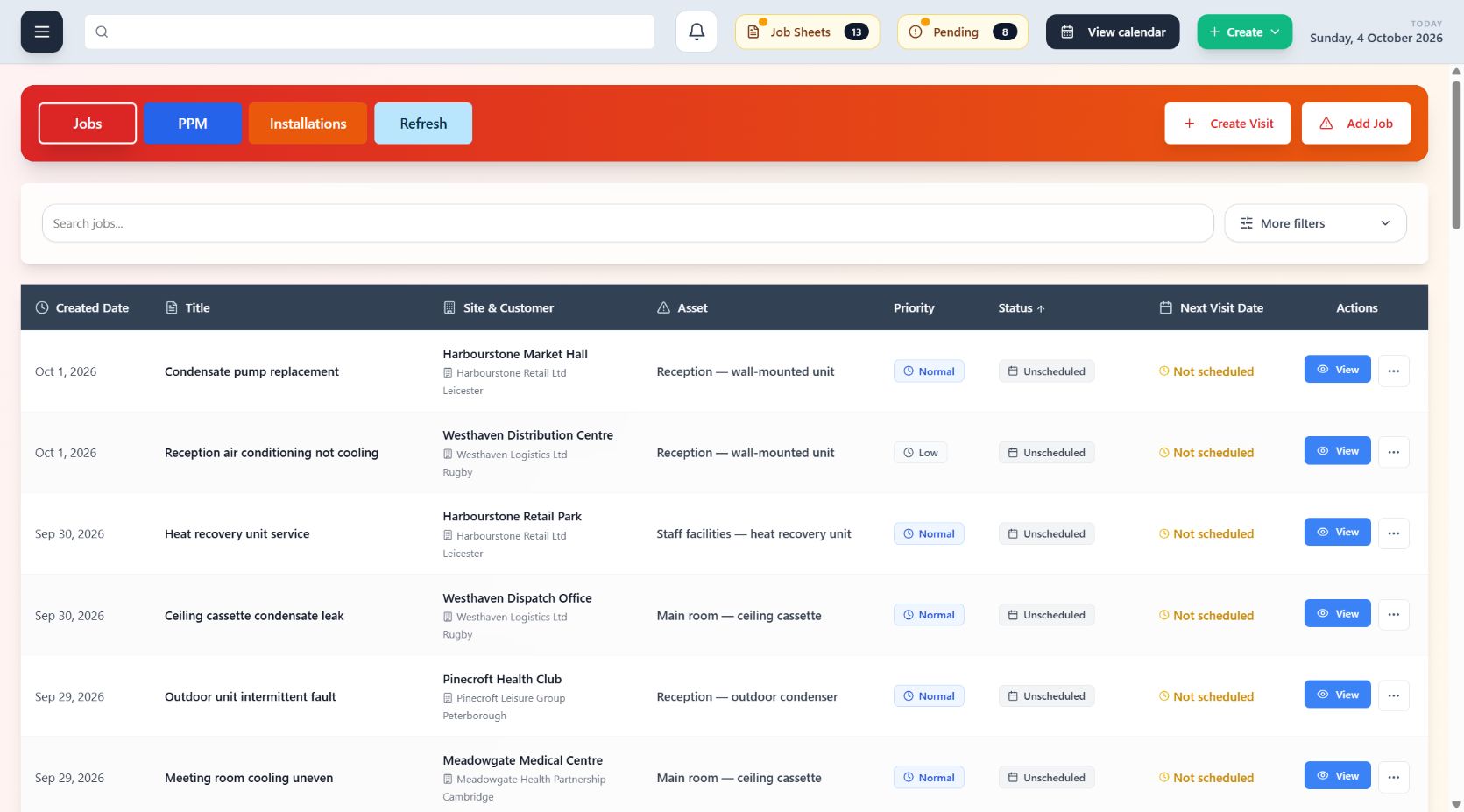
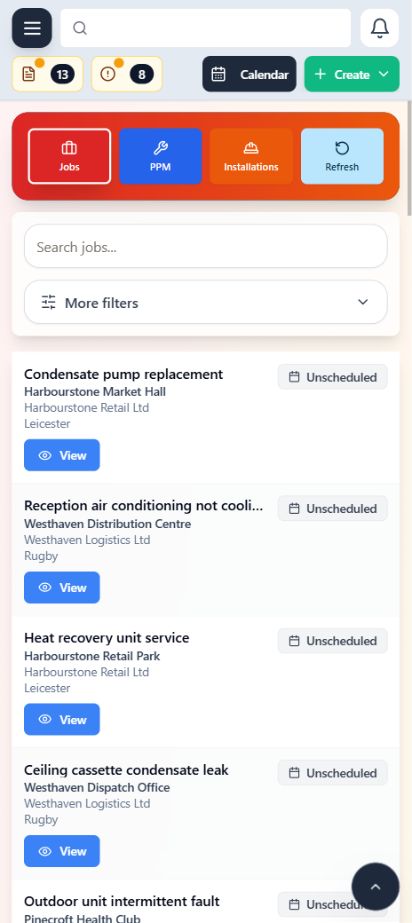
Jobs
Keep the operational story together from request through completed field work.
A job holds the work the customer needs, the visits used to deliver it and the records returned by engineers. The office can follow progress without piecing the story together across separate systems.
- Keep work details and status in one place
- Connect every visit and job sheet
- Prepare completed work for office review
Job Sheets
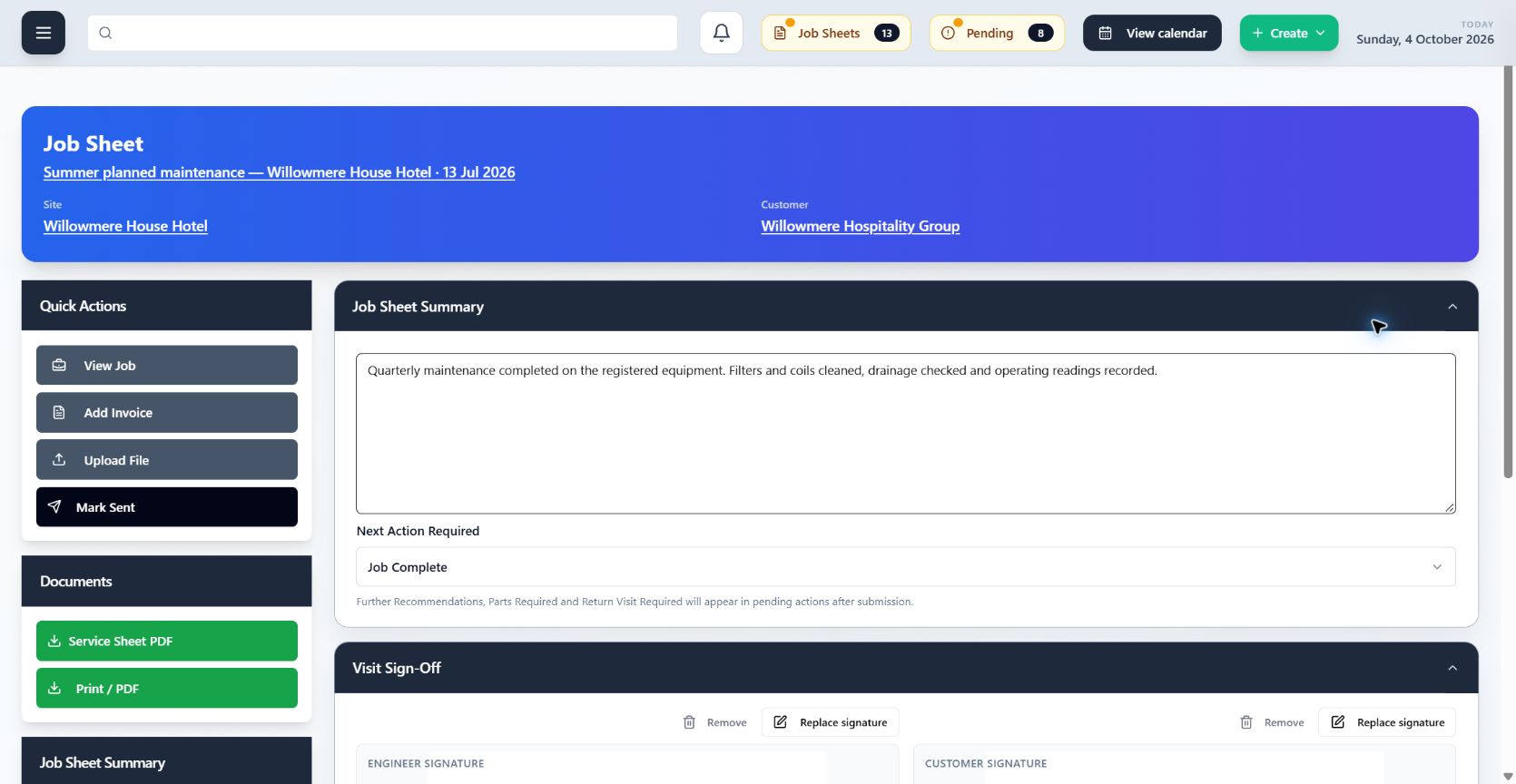
Give every visit a structured record that returns clearly to the office.
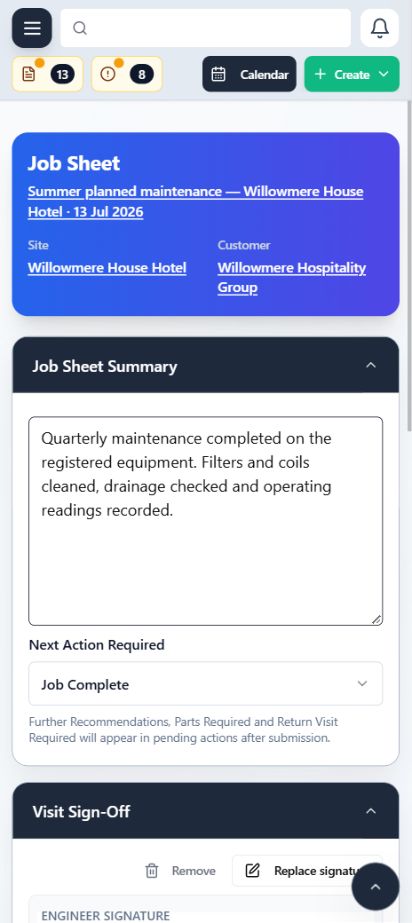
Engineers can record the work completed, notes, readings, selected evidence and signatures against the visit. The submitted job sheet stays connected to the job, site and wider customer record.
- Capture visit-level work and engineer notes
- Keep readings, files and signatures with the job sheet
- Return a consistent completed record for office review
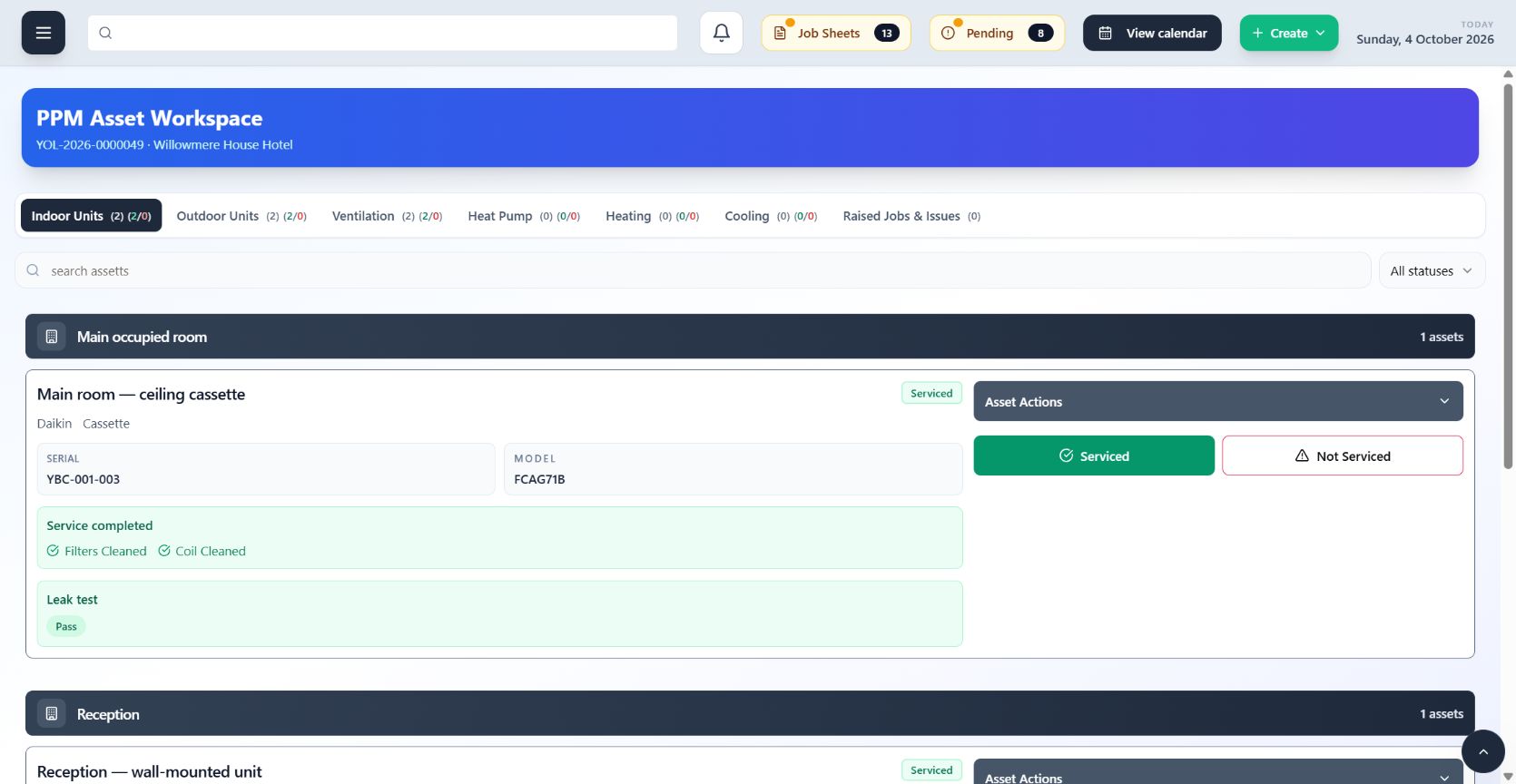
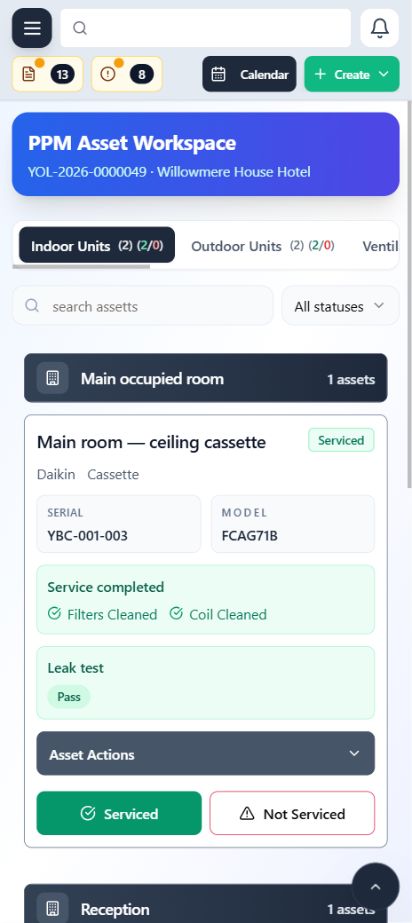
PPM Workspace
Manage maintenance commitments and the work that fulfils them in one connected view.
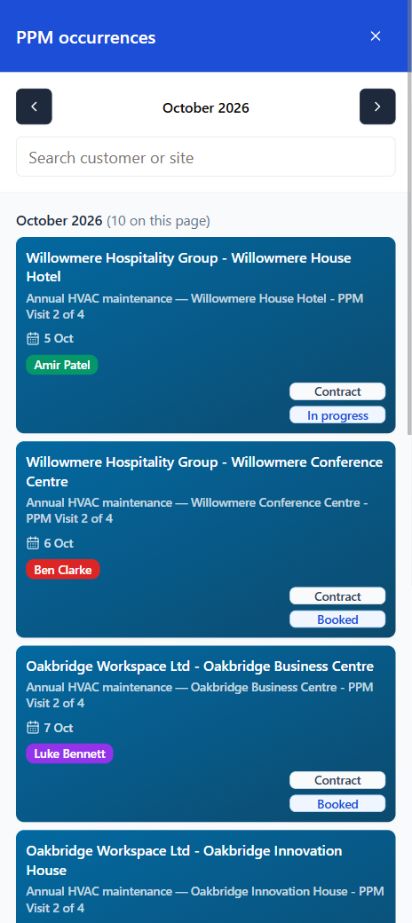
Organise planned preventative maintenance around contracts, occurrences, sites and assets. The workspace keeps upcoming work visible, moves it into scheduled visits and retains its connection to the original maintenance plan.
- Make upcoming maintenance visible
- Turn occurrences into scheduled visits
- Review delivery across sites, assets and completed work
Installs
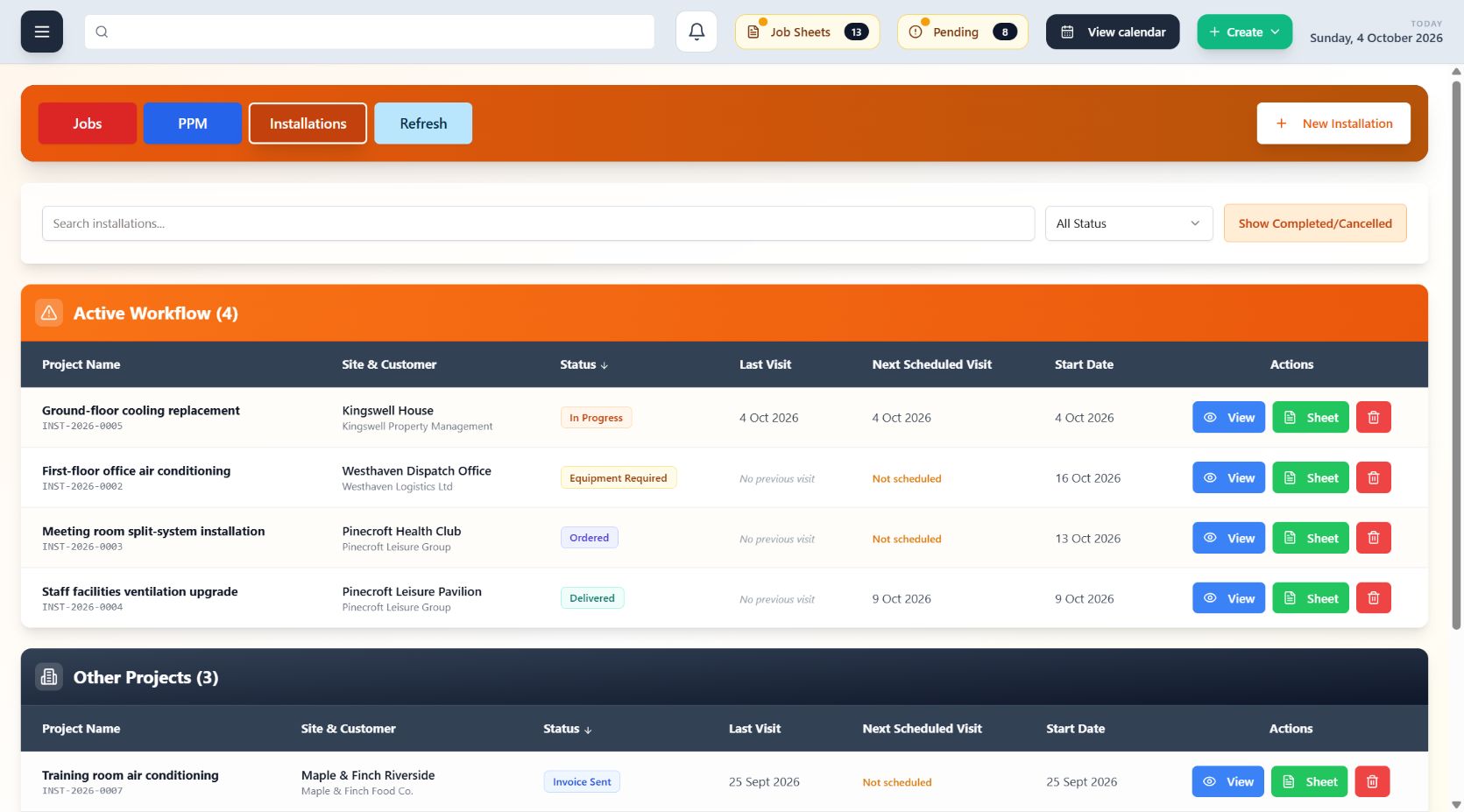
Coordinate multi-visit installation work without losing the commercial or site context.
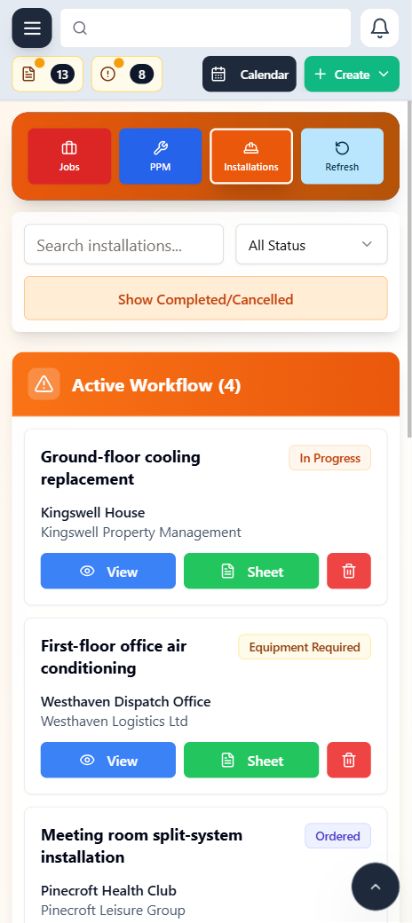
Keep the installation, customer site, planned visits and delivery record connected. Teams can follow progress across the job and retain the evidence produced along the way.
- Plan installation visits and assignments
- Follow progress across the delivery timeline
- Keep labour and completion records connected
Assets
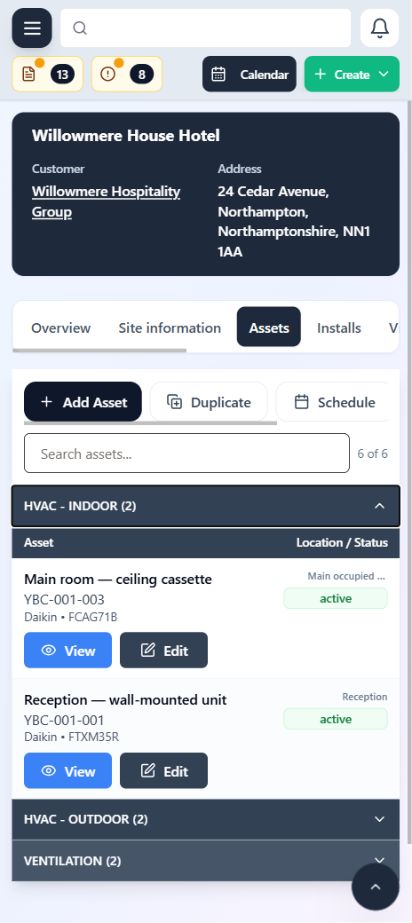
Build a useful equipment record around the site and the work performed there.
Assets sit inside the wider operational record rather than in an isolated register. Engineers and office teams can understand the equipment, its location and the service activity connected to it.
- Organise equipment by customer site
- Capture asset-specific service information
- Carry history forward into future work

Stock Management
Know what you hold, where it is and how it moves through your operation.
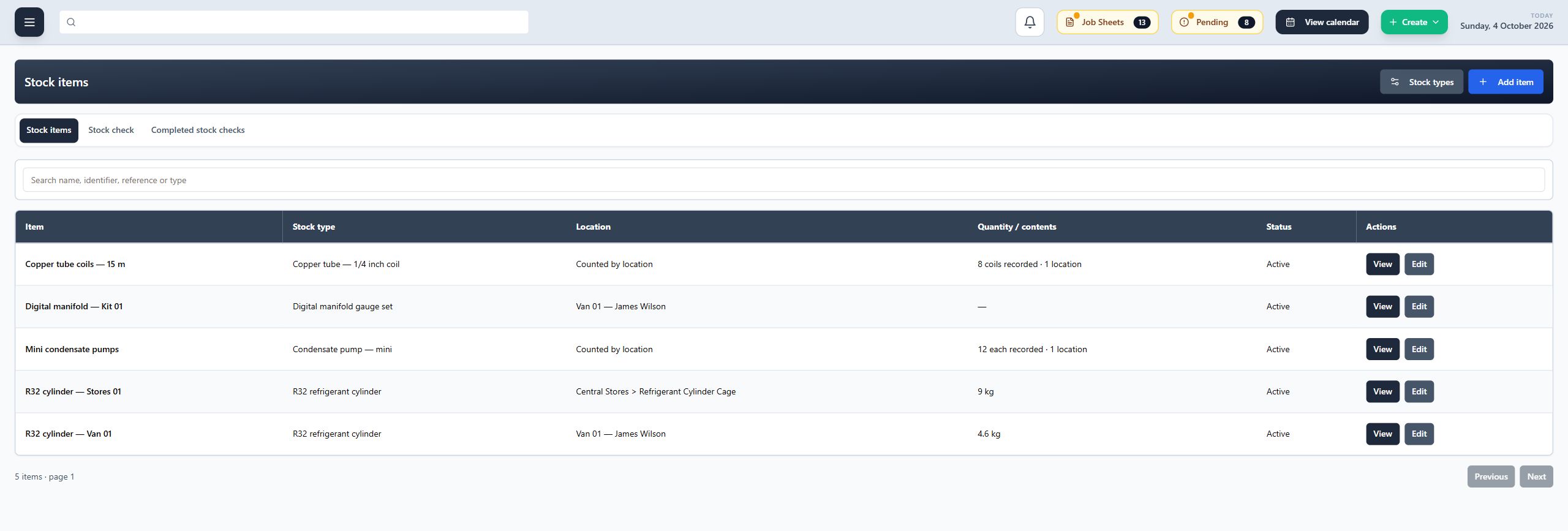
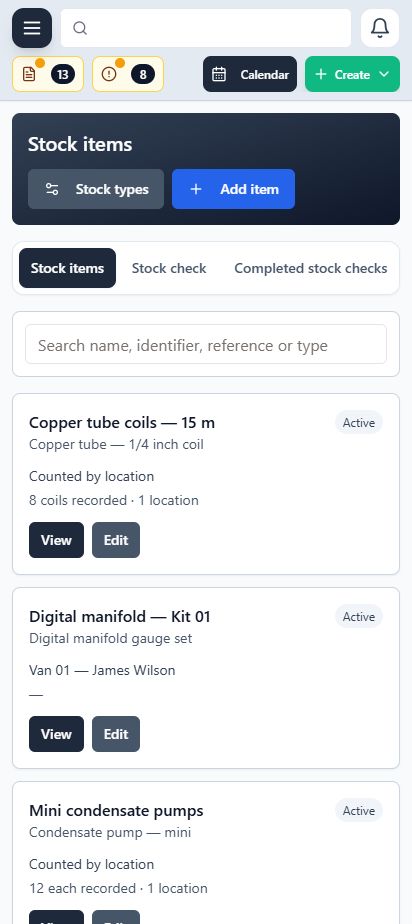
Manage individual items, counted stock and refrigerant cylinders in one register. Keep stock linked to its storage location, record transfers and carry out stock checks with a history of completed counts.
- Track individual items, quantities and refrigerant cylinders
- Record stock movements between locations
- Complete stock checks and review previous counts
Location & Vehicle Management
Organise the places and vehicles that hold your stock, with clear responsibility.
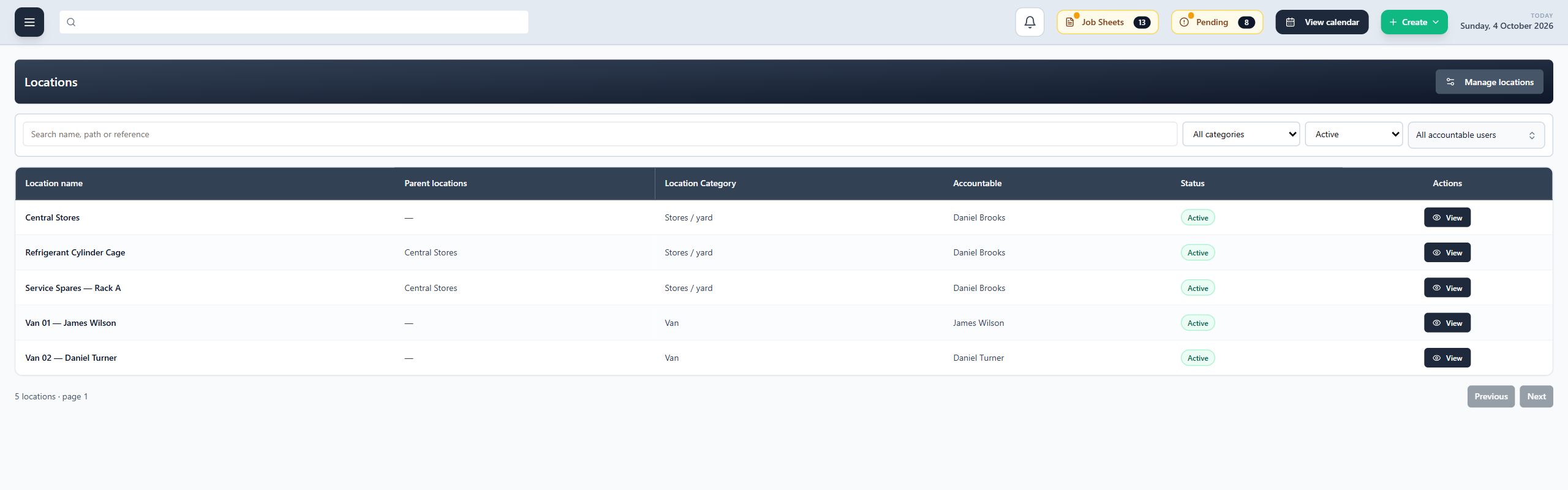
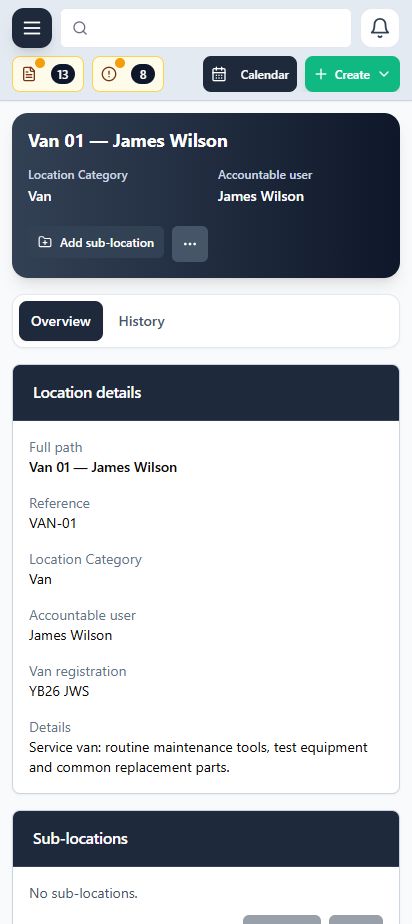
Bring stores, yards, vans and customer-site locations into one structured register. Create sub-locations, record van registrations and assign an accountable team member so stock has a clear place and owner.
- Organise locations and sub-locations around your operation
- Keep van registrations and accountable users with each vehicle
- See the stock held at each location and review its history
Customers, Contacts and Sites
Keep the people, places and operational details behind every job connected.
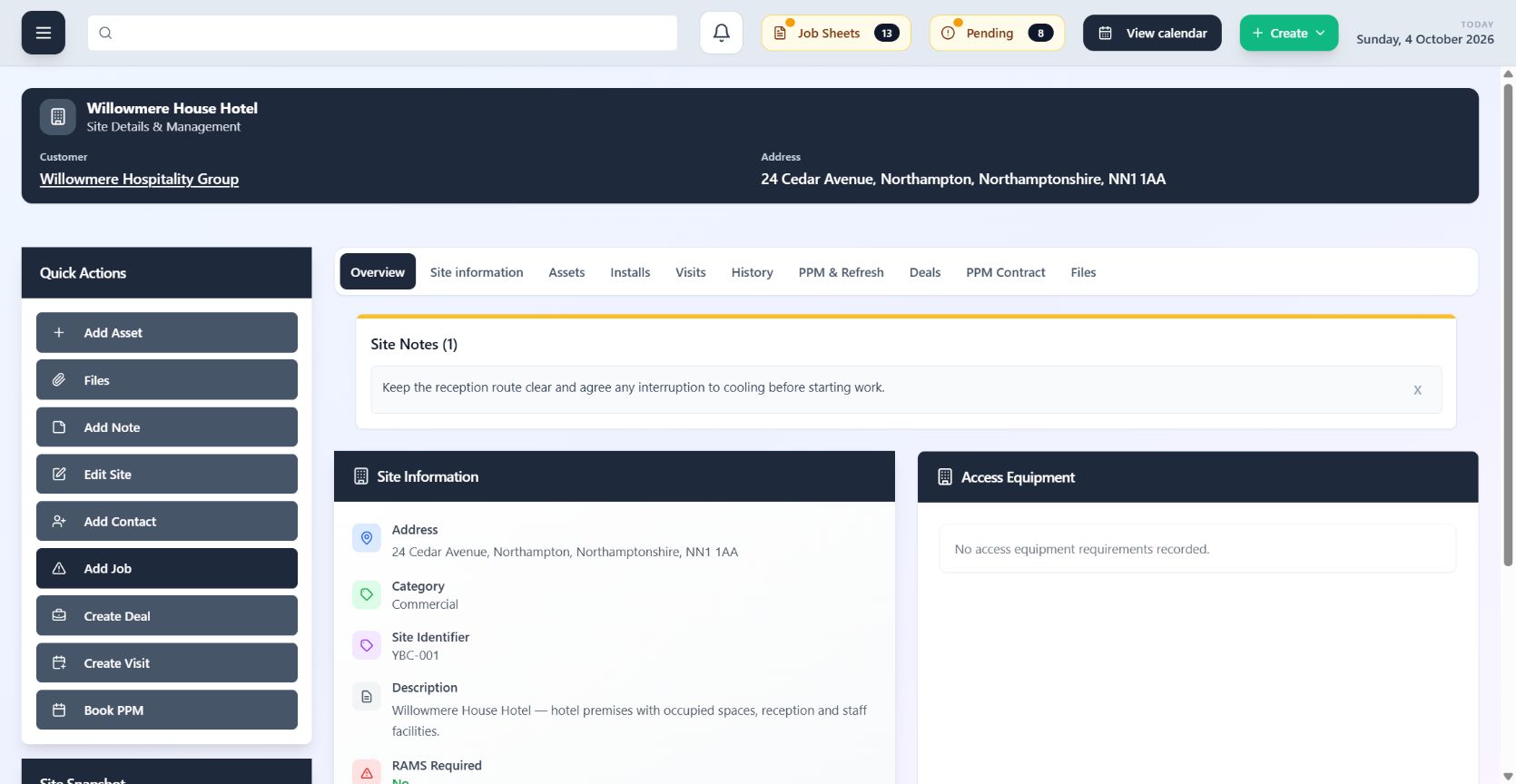
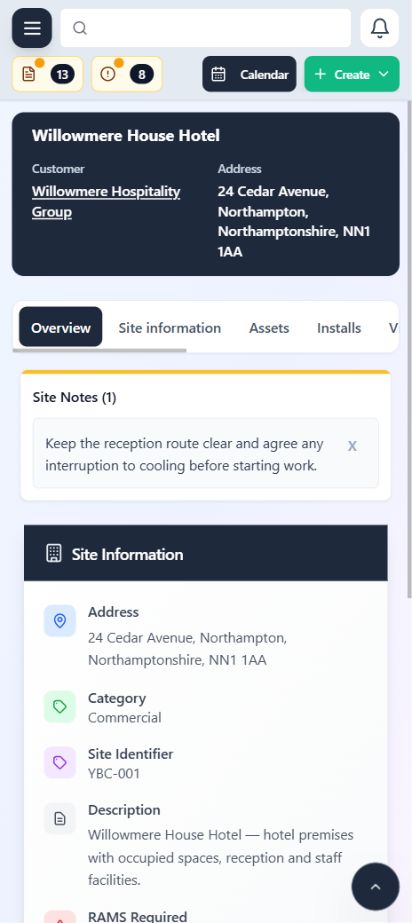
Create a clear structure from the customer to their contacts and working sites. The team can find the details needed to plan, attend and follow up work without duplicating records.
- Separate customer, contact and site responsibilities
- Keep site details available to the people delivering work
- See the jobs, visits and assets related to each location
Connected Records
Move through the operation without repeatedly searching for the same context.
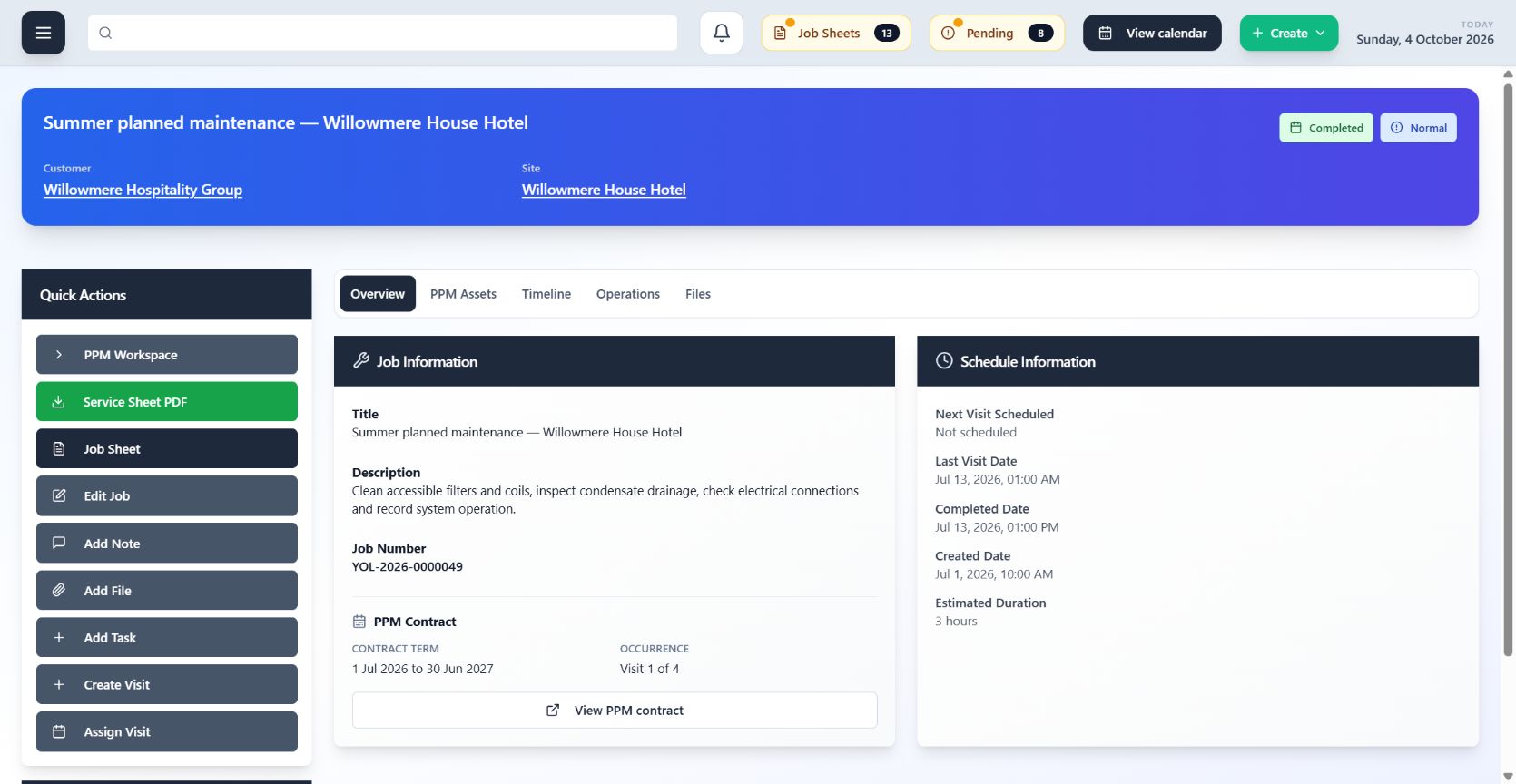
ClimaticFlow links the records that describe the customer journey and the work itself. Each handoff carries useful context forward, from the original opportunity to visits, evidence and office review.
- Follow relationships instead of copying information
- Keep files and evidence against the correct work
- Give each team a view of the same operational story
Custom Configuration
Shape core records and working patterns around the way your operation runs.
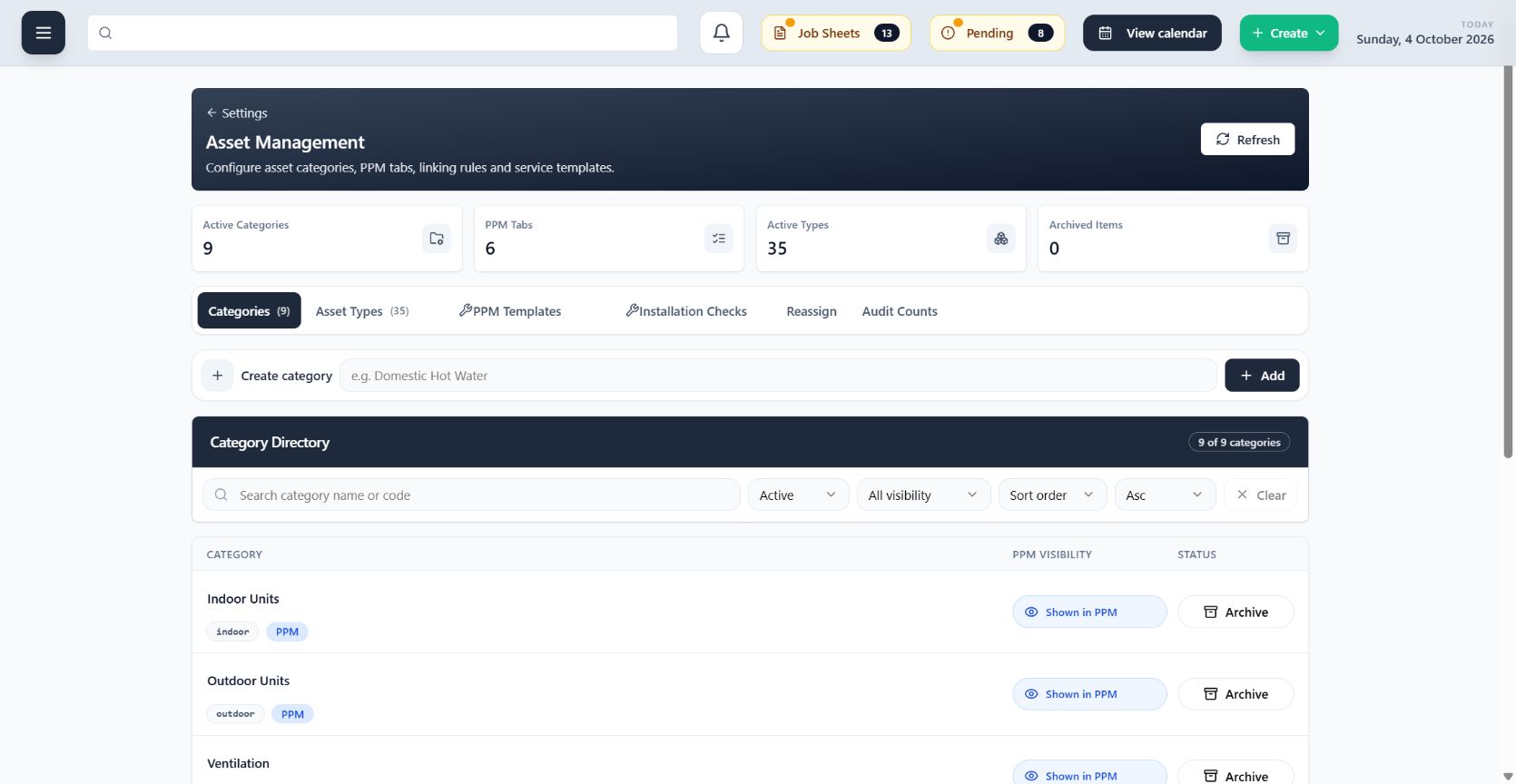
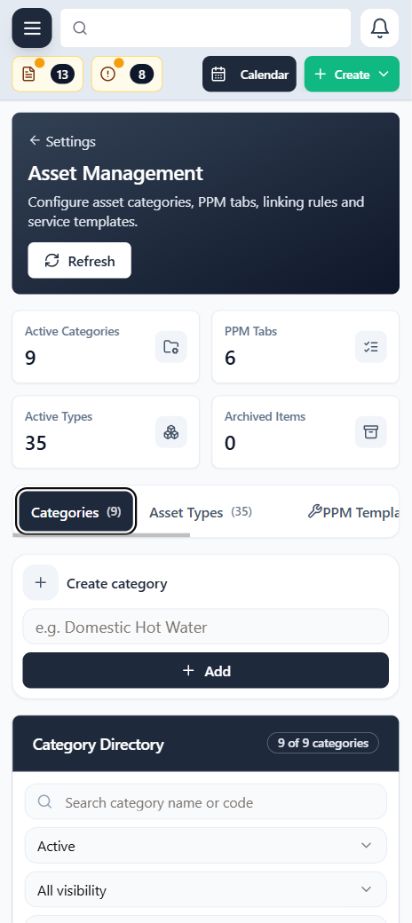
Configure practical parts of ClimaticFlow—including calendar behaviour, job sheets, asset structures and service templates—so the system reflects how your team delivers work.
- Configure calendars and working preferences
- Shape job sheets and asset structures
- Maintain service templates for consistent delivery
F-Gas Records
Keep refrigerant information attached to the asset and its wider service history.
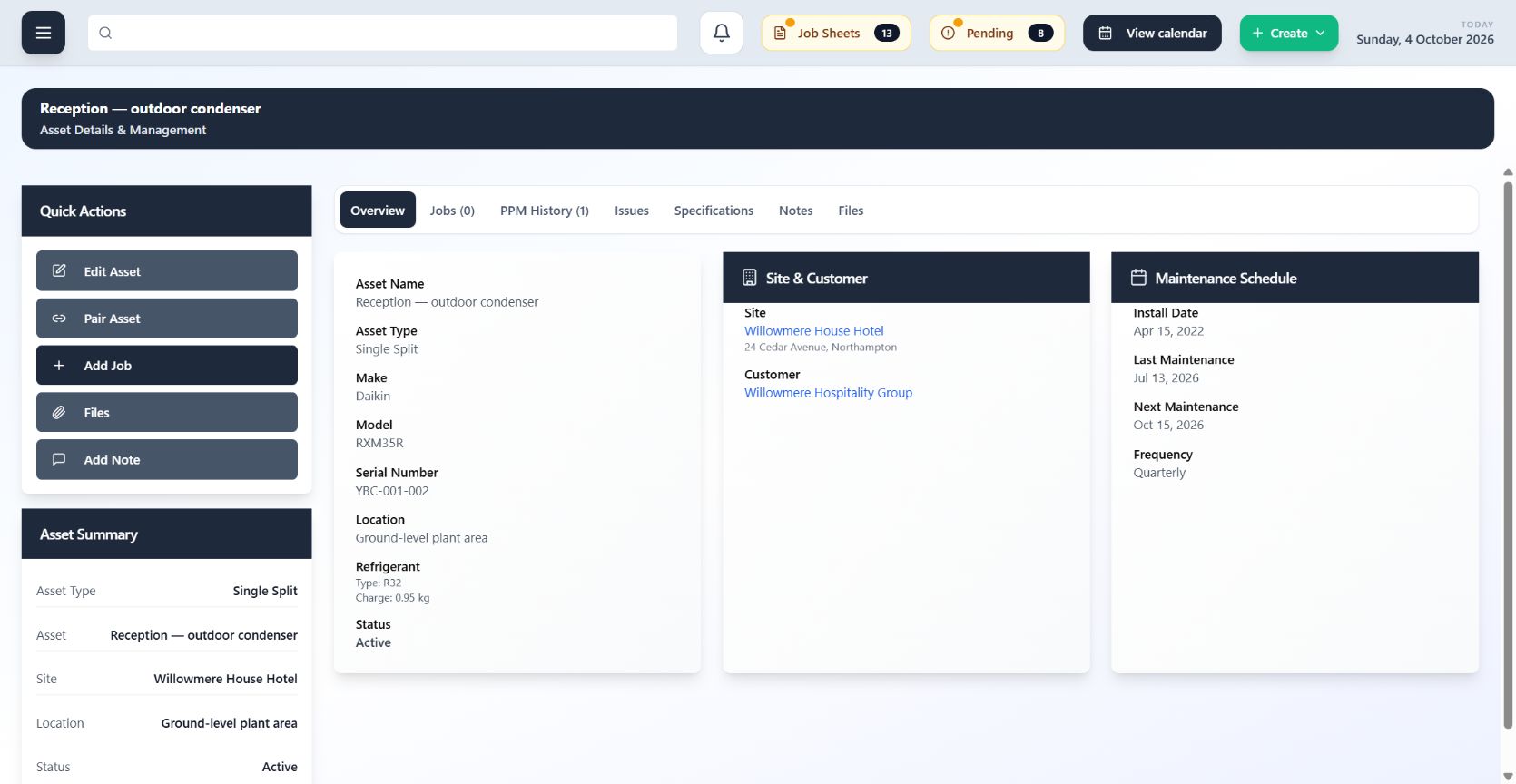
Record refrigerant type and charge against the relevant equipment, then keep that technical information connected to the customer site and the work carried out there.
- Record refrigerant type and charge against assets
- Keep technical information available during service work
- Carry asset details into connected schedules and records
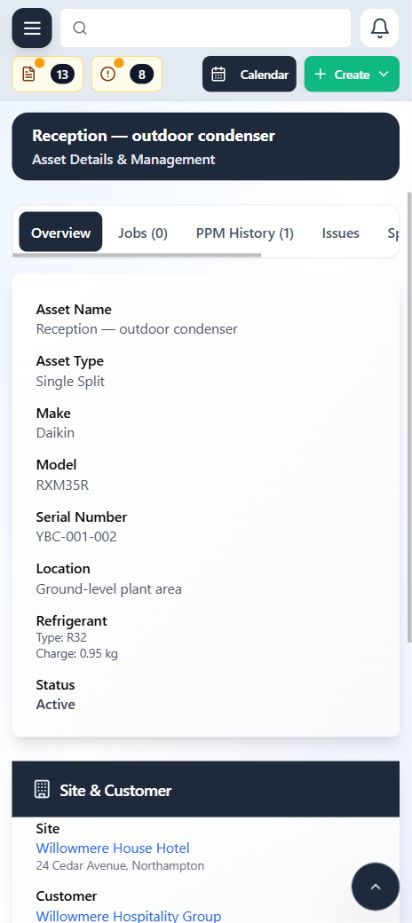
Mobile Optimised
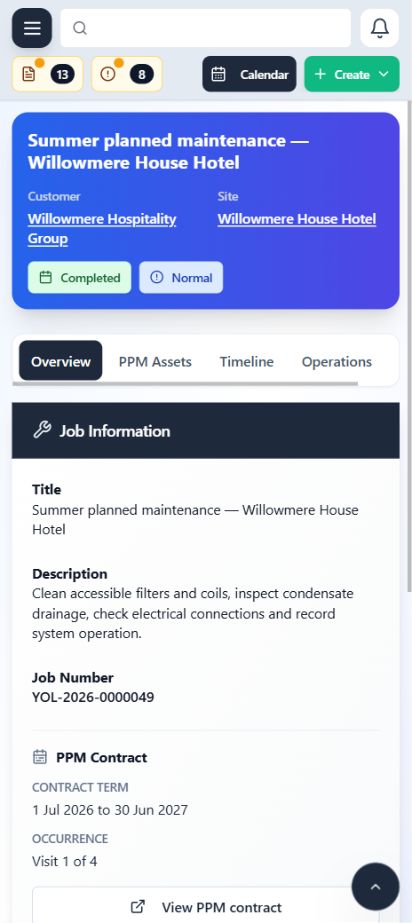
Keep essential field workflows clear and usable on the device engineers carry.
ClimaticFlow adapts core visit, calendar and job-sheet experiences for smaller screens. Engineers can move through their assigned work and capture the field record without navigating a desktop layout.
- Responsive visit and calendar views
- Field-friendly job-sheet layouts
- Clear access to assigned work and connected records